QIUI Key Pod Metal Key Box – Remote App Control & Timed Unlock
QIUI Key Pod Metal Key Box – Remote App Control & Timed Unlock
Couldn't load pickup availability


QIUI Key Pod Metal Key Box – Remote App Control & Timed Unlock
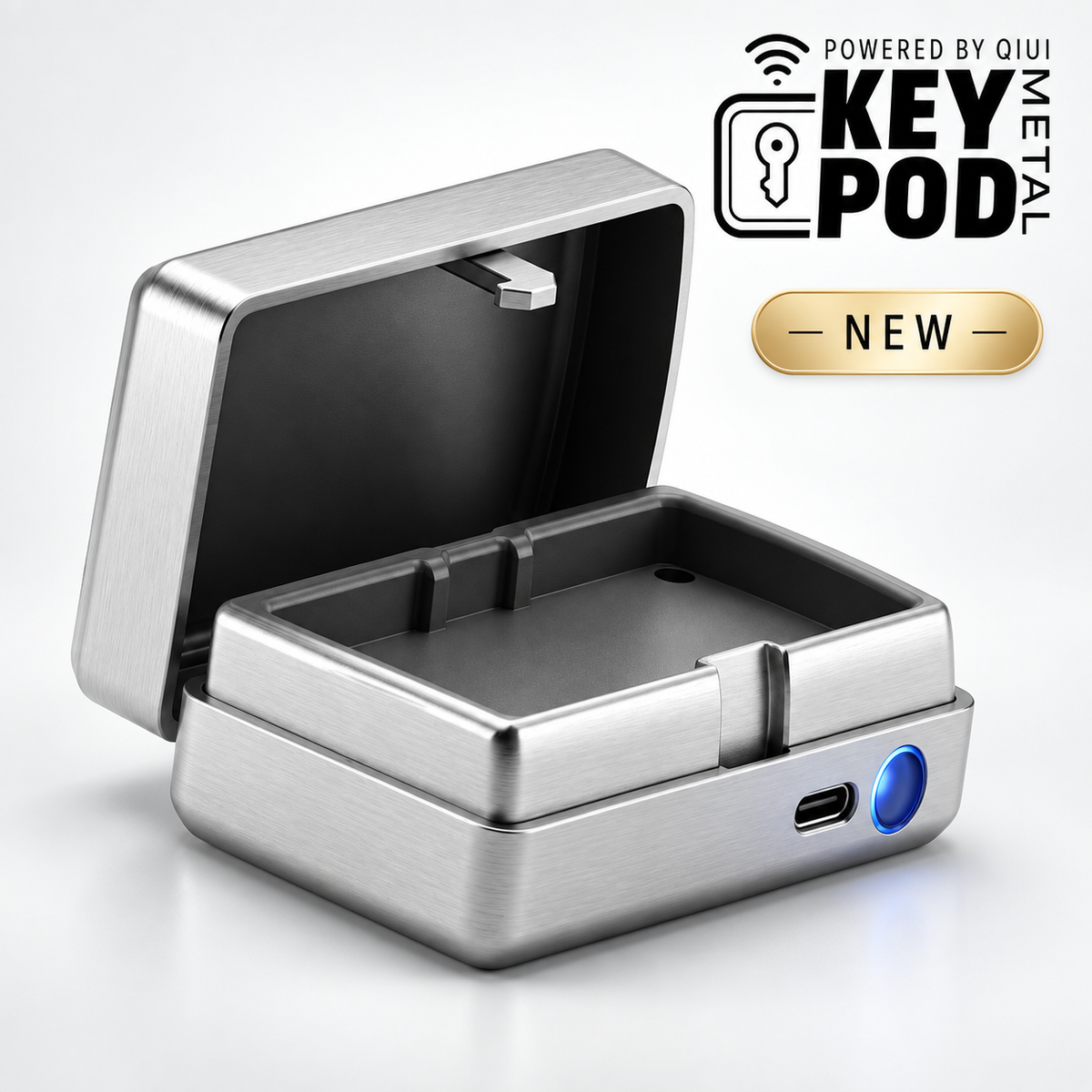
The QIUI Key Pod Metal Key Box combines a compact all-metal design with Bluetooth app control, remote permissions, partner binding, scheduled unlocking, AI interaction, and community features.
It is designed to manage access to a real physical key rather than replace the locking mechanism itself.
Remote App Control
Connect the Key Pod to the supported QIUI app through Bluetooth.
Compatible app controls can manage unlock authorization, timer settings, partner access, and other supported functions.
Two-Person Binding
Share compatible access permissions with a trusted partner through two-person binding.
Remote authorization can allow the partner to participate in consensual keyholding from another location.
Offline Timed Unlock
Set a release time in advance using the built-in countdown.
The timer operates directly on the device and is designed to release the box once the selected duration ends.
Automatic Pop-Open Design
When unlocking is completed, the lid automatically pops open for easy access.
Press the lid closed to secure it again.
All-Metal Key Box
The exterior measures approximately 80 × 40 × 18 mm.
Internal storage measures approximately 68 × 30 × 8 mm.
The stated capacity is approximately 6–7 keys, depending on individual key size.
USB-C Charging and Standby
Recharge through USB-C.
The supplied information states more than seven days of standby time after a full charge, with actual battery performance varying according to use.
AI Keyholder
Supported QIUI app versions may include customizable AI keyholder characters and interactive scenarios.
Community Voting
Compatible community voting may allow selected sessions to be shared with participants through X, WeChat, Weibo, and other supported platforms.
Remote Keyholding for Physical-Key Devices
Place your release key inside the Metal Key Pod.
After remote authorization or timed release, retrieve the key and manually unlock the original cage or device.